How to Configure a Local Trade Copier Correctly
Configuring a local trade copier properly is among the most impactful decisions a trader managing multiple accounts can make. Copiix provides a zero-latency, device-based solution that ensures your trading data never leaves your own machine. The entire setup process takes no more than two minutes, with no ongoing subscription fees or cloud infrastructure needed. If you want to get started immediately, you can grab the free copier and work through each stage of this guide. The following technical walkthrough addresses everything from enabling DLL permissions and configuring Expert Advisors to optimizing execution speed and managing accounts across multiple brokers. Whether your preferred platform is MT4, MT5, or cTrader, the workflow remains consistent and accessible. Familiarizing yourself with every requirement before you begin eliminates the typical errors traders run into during setup. By the time you reach the final section, you will have a secure, fully functioning trade copying environment operating entirely on your own hardware.
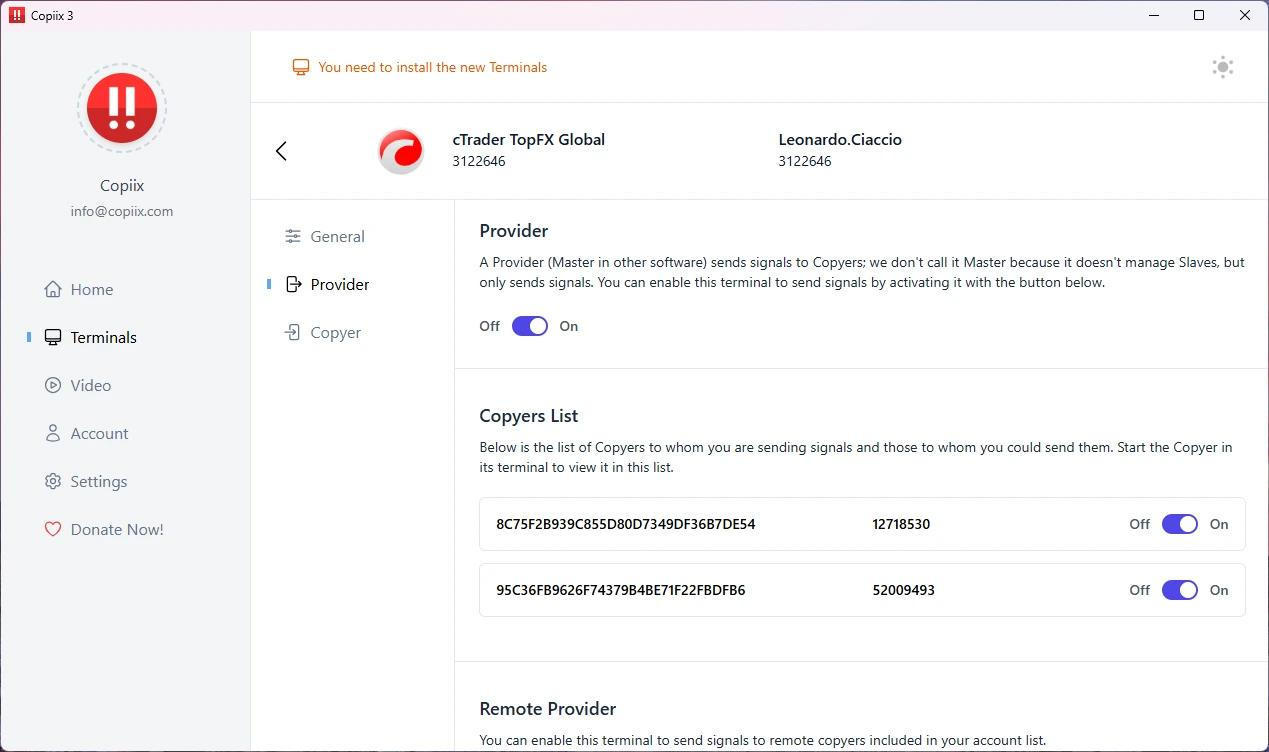
Technical Configuration Guide for Local MT4 and MT5 Trade Copiers
Powerful features designed for modern teams
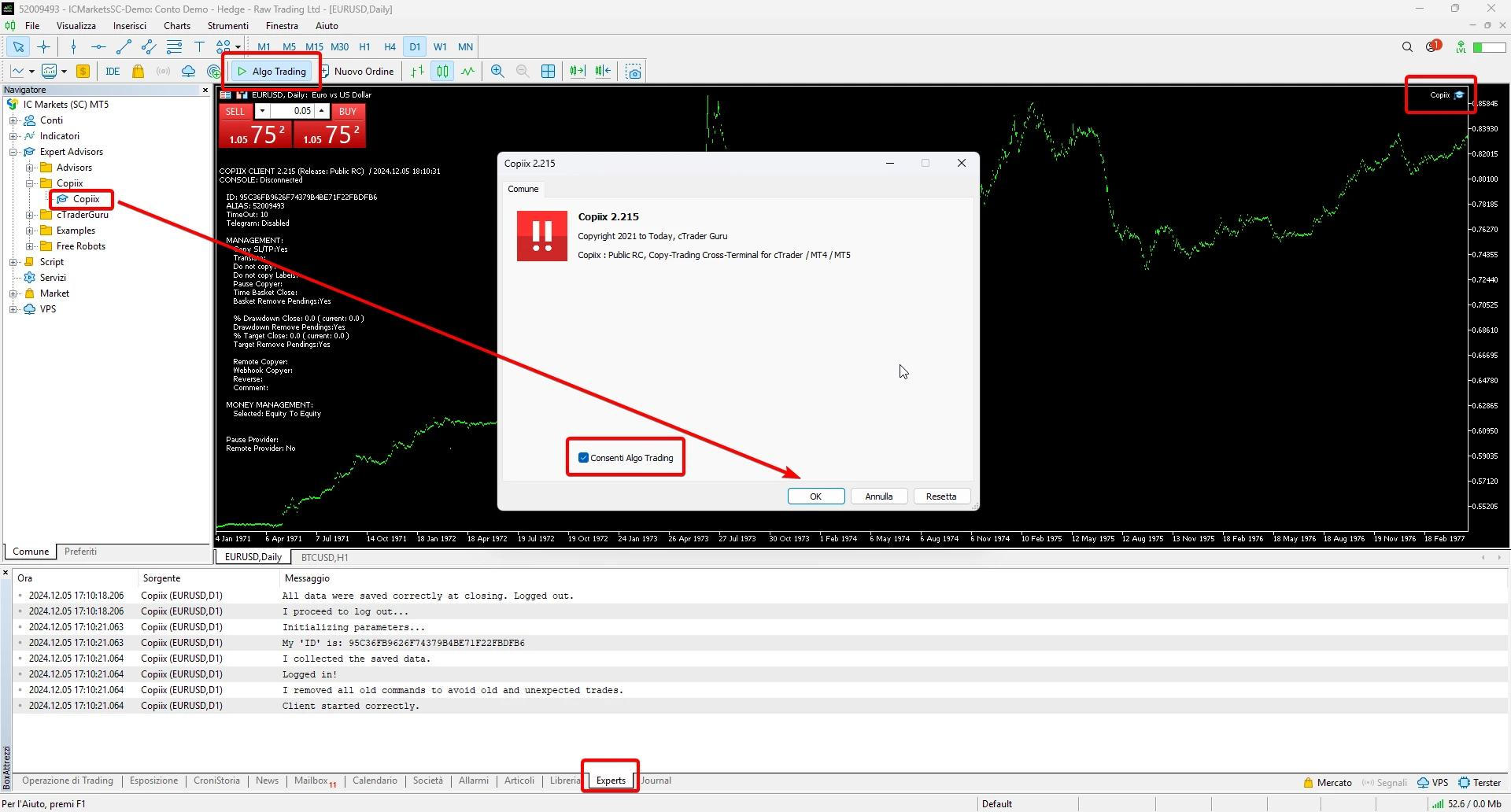
Downloading, Extracting, and Enabling DLL Permissions
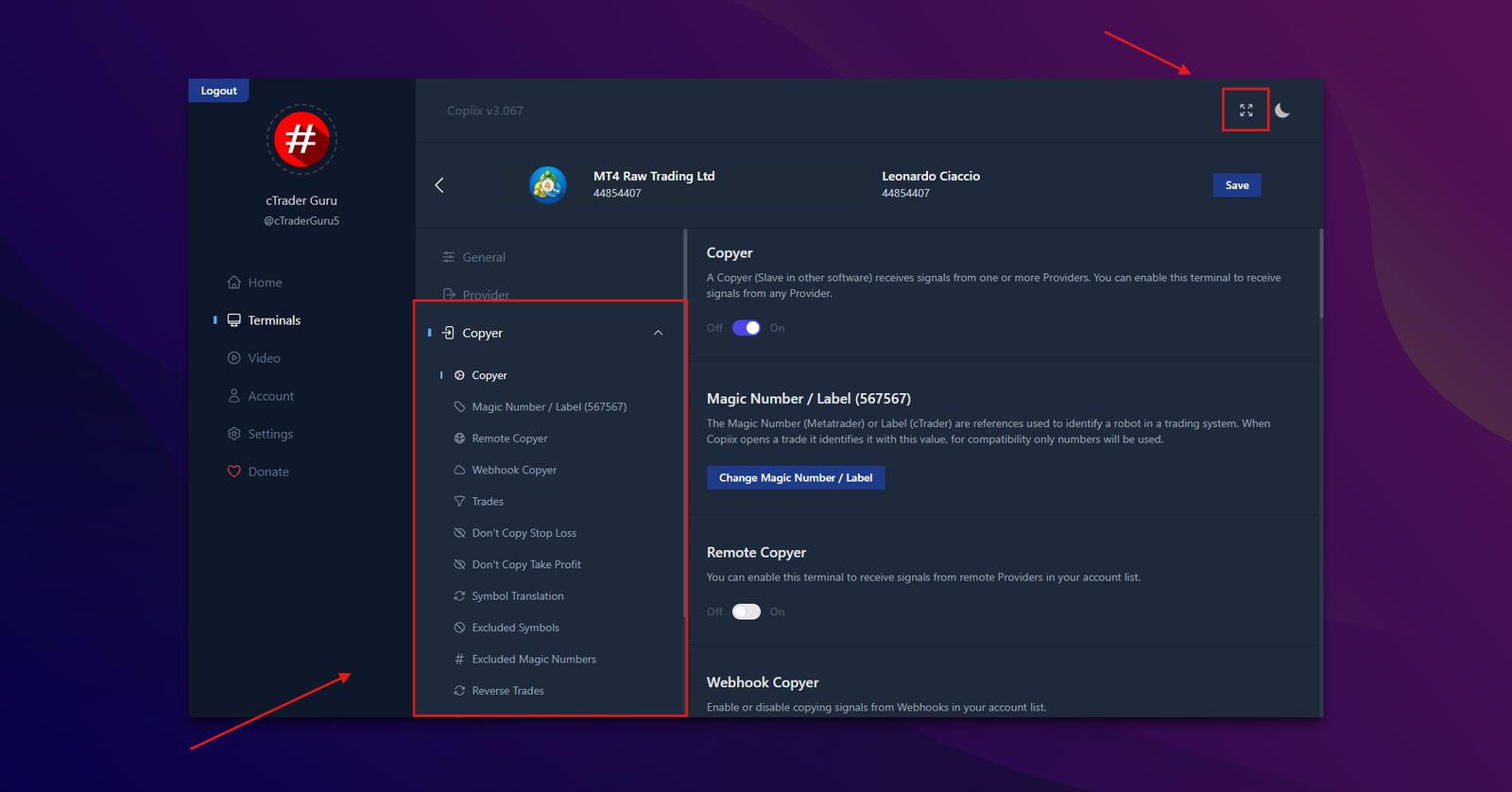
Expert Advisor Parameters and Execution Speed Optimization
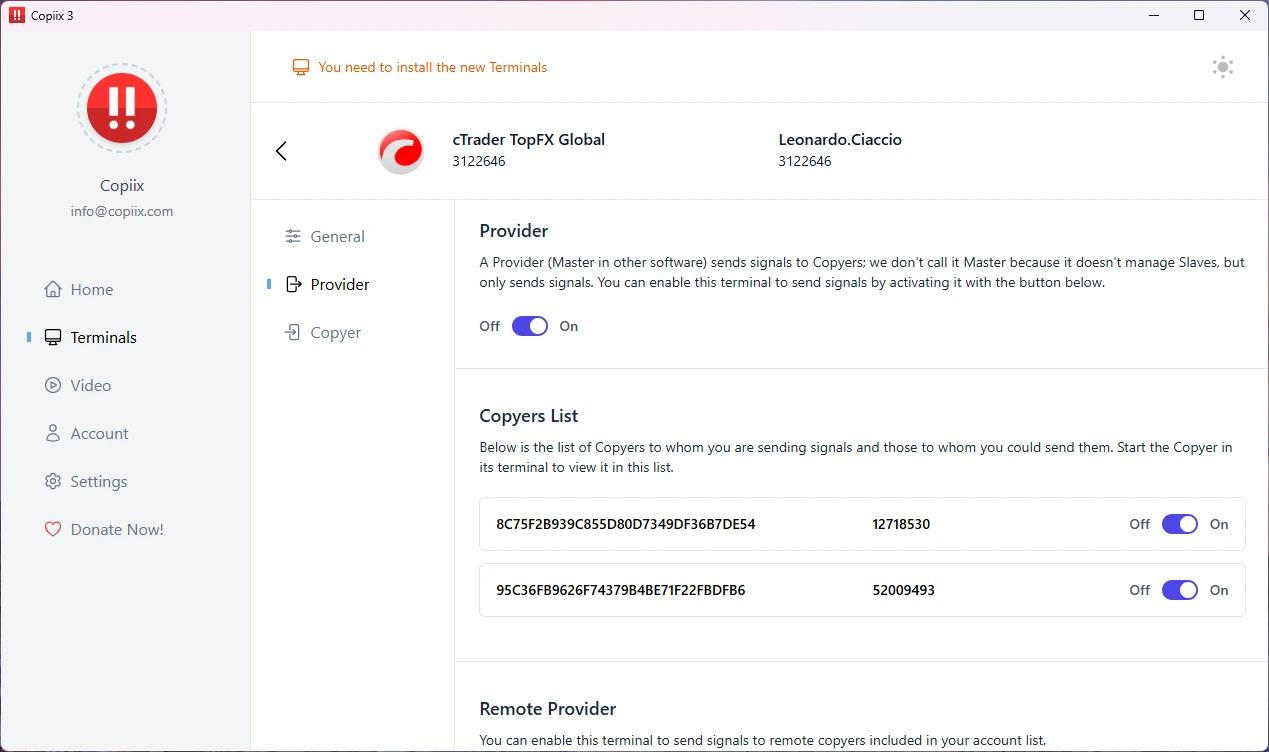
Configuring Multiple Broker Accounts and Advanced Trade Controls
Frequently Asked Questions
Copiix requires a Windows PC or VPS running Windows 7 or a later version, a minimum of 2 GB of RAM, and a stable internet connection. For the smoothest multi-account experience, it is recommended to install one separate MetaTrader terminal per broker account.
Copiix depends on a native DLL file to relay trade signals between terminals in real time on your local device. If DLL import permission is not turned on in MetaTrader's Expert Advisor settings, the platform prevents that communication channel from opening and the copier cannot function as intended.
Yes. Copiix is fully capable of cross-platform copying between MT4 and MT5 at the same time. Install the correct EA version in each terminal, assign matching Channel IDs across all of them, and the software manages inter-platform signal routing automatically without requiring any extra configuration.
Use the Symbol Prefix and Symbol Suffix input fields available inside the receiver EA. If the master account trades EURUSD but the slave broker adds a suffix, enter that suffix in the appropriate field. Copiix then maps the corrected symbol name automatically before submitting each copied order.
All core features within Copiix are entirely free and require no subscription. You can visit the local free copier in Singapore download page and install the complete version straight away. Optional donations support the development of premium enhancements but are never a requirement.
Ready to Transform Your Business?
Join thousands of companies already using our platform