Build AI Agents and Automate Your Business Workflows End to End
Elastic Thoughts LLC, https://elasticthoughts.com - is a small, independent technology company that builds practical AI systems for businesses that need automation they can actually trust. Founded and run by a former AWS Senior Solutions Architect, Elastic Thoughts focuses on production-grade agents and workflow automation built in TypeScript and Node, deployed into the client's own infrastructure, with the source code handed over at delivery. The same engineering discipline behind our other work — including our offline, privacy-preserving AI systems — carries into every automation we ship: cost ceilings, logging, human approval gates, and honest scoping before a line of code is written.
We care about this topic because most of the AI automation being sold today fails in one of two predictable ways. It hallucinates answers and quietly damages customer trust, or it runs unattended against a metered API and produces a bill nobody budgeted for. Both failures are preventable with basic engineering controls, and both are routinely left out of the build.
This article covers what end-to-end AI agent and workflow automation actually involves: which business processes are worth automating first, how a reliable agent is constructed, how to scope the work honestly, and what information you need on hand before the project starts. It is drawn directly from our published service listing on Fiverr, where the full scope, delivery timelines, and tiers are laid out.
You can review the complete service listing, including package details and delivery times, on the Elastic Thoughts gig page on Fiverr: https://www.fiverr.com/elasticthoughts/build-ai-agents-and-automate-your-business-workflows-end-to-end
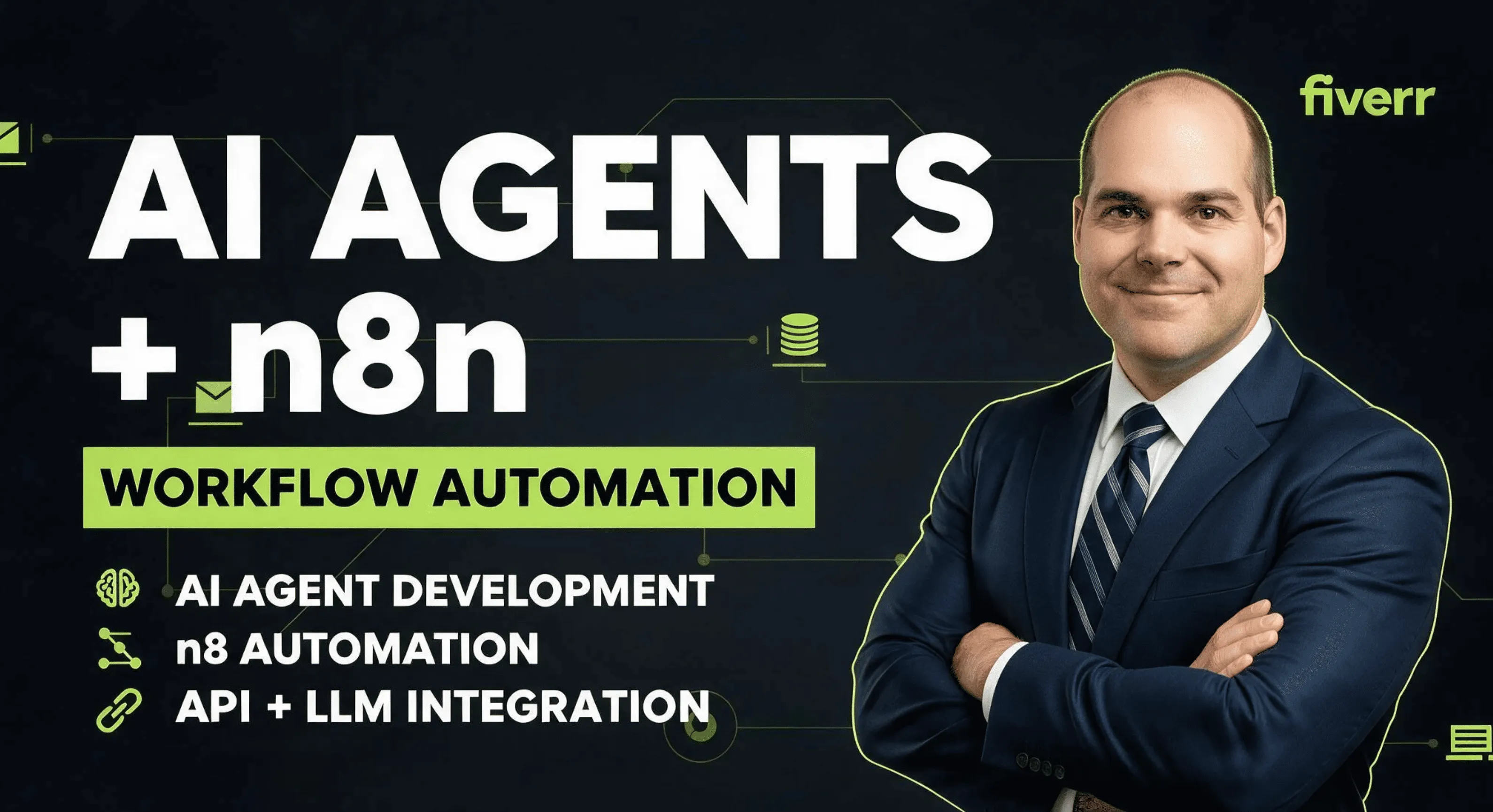
Build AI Agents and Automate Your Business Workflows End to End
Curated with love, crafted for you
 POPULAR
Why Most AI Agents Fail — and What Reliable Ones Do Differently
Most AI agents fail in one of two ways, and both are avoidable. The first failure is invention: the agent produces an answer that sounds correct, is delivered with complete confidence, and is wrong. The second is financial: the agent runs unattended against a metered API and generates a bill no one saw coming.
Reliable systems are built to fail visibly instead. Every agent logs what it spends. Every agent stops at a ceiling you define rather than continuing indefinitely. And when the agent is not confident, it escalates to a person rather than guessing — the confidence threshold turns a hidden accuracy problem into a work queue someone can actually see and clear.
None of this is exotic engineering. Spend caps, structured logging, confidence thresholds, and approval gates are ordinary controls that ordinary production systems have used for decades. They are simply left out of a great many AI builds, which is why so many pilots quietly get switched off six weeks after launch.
The full scope of how these controls are implemented across each project tier is documented on the Elastic Thoughts AI agent and workflow automation listing on Fiverr.
 POPULAR
Workflows Worth Automating First
The best first automation is a process that happens often, follows a repeatable pattern, and currently requires a person to read something and decide where it goes. Five categories cover the majority of real business demand.
Lead qualification takes a form submission or inbound email, researches and scores it, and delivers it into the CRM with context already attached. Document processing converts invoices, contracts, and PDFs into structured data, eliminating a manual keying step that is both slow and error-prone. Support agents answer from your own documentation and hand off cleanly when they cannot. Email triage categorises, extracts, drafts, and routes. Internal knowledge agents sit over your SOPs and policies so staff stop interrupting each other for answers that already exist in writing.
What these share is a clear input, a defined output, and a decision in the middle that follows rules a person could articulate if asked. That last point is the useful test. If nobody in the business can explain how the decision is currently made, the process needs documenting before it needs automating — and that is work worth doing regardless of whether an agent ever gets built.

How These Systems Are Built — and Why You Own Them
Builds run on TypeScript and Node, with PostgreSQL and the pgvector extension handling storage and vector search. Integrations connect over webhooks, REST, and OAuth into the tools already in use, which means there is no requirement to migrate off existing systems as a precondition of automating them.
Deployment goes to AWS or Vercel, in your own account. The stack is deliberately conservative. Automation that sits in the middle of a live business process is the wrong place for experimental infrastructure, and technology with a large hiring pool is technology your team can keep running without depending on the person who wrote it.
Ownership is the part worth emphasising. You receive the source and can redeploy without the original developer. The repository and the deployment both live in accounts you control, so if the working relationship ends, the system keeps running and any competent developer can pick it up. Documentation ships with every tier — including the entry tier — because a system nobody can maintain is not an asset.

Scoping the Work: Single Workflow, Reasoning Agent, or Full System
Projects fall into three honest scopes, and choosing correctly at the start saves considerably more than it costs. A single automation connects two services with defined triggers, actions, error handling, a spend cap, and logging. It is deterministic — the same path every time — and it suits a well-understood process that simply needs to stop consuming a person's afternoon. This entry scope starts at $750 with a seven-day delivery.
A reasoning agent adds judgment. It has tool access, works against your own data, connects to roughly four integrations, and operates behind an approval gate and a spend limit. This is the tier where answering from your own documents begins, because document-grounded retrieval requires the database layer that comes with it. Standard scope runs $1,800 across fourteen days.
A full automation system covers around eight integrations, multiple agents, a dashboard showing every run and error and dollar spent, spend caps, human approval, and deployment. It suits automating a function rather than a task. Premium scope is $3,600 over twenty-one days.
Individual capabilities can also be added to a smaller scope rather than forcing an upgrade — document search, an activity dashboard, database integration, additional agents, or team handover training are each available as discrete additions. Current pricing and delivery times for every tier and add-on are listed on the Elastic Thoughts service listing.

What to Have Ready Before You Start
The quality of an automation is largely determined before any code is written, by how precisely the process is described. Start with the process as it works today — who does what, what starts it off, and what the finished result looks like. Describe the current reality rather than the automation you imagine, because the current reality is where the exceptions live, and the exceptions are what determine the design.
Then list the tools by name: CRM, inbox, help desk, database, spreadsheet, accounting system. Flag anything internal or custom-built. Confirm whether you hold API access and admin rights on each, since a login-only tool with no API is the single most common blocker, and it is better identified in week zero than in week two.
Estimate volumes — roughly how many emails, documents, leads, or orders per month. A ballpark is sufficient. This drives the running-cost estimate and sets the spend cap. Note whether you already hold an account with a model provider such as Anthropic, OpenAI, AWS Bedrock, or Google, since model usage is billed to you directly.
Finally, define the escalation path. Name who receives the handoff when the agent is not confident, and identify which actions require a human approval before they execute. Deciding this in advance is what separates an automation that fails safely from one that fails expensively.
Common Questions
Running cost is separate from build cost. You pay the model provider directly — Anthropic, OpenAI, AWS Bedrock, or Google — and that cost scales with volume. An agent handling forty documents a month and an agent handling four thousand are not comparable line items, which is why no honest fixed number exists before the volumes are known.
Before the build starts, running cost is estimated from your actual message counts, document counts, or lead volumes. That estimate is what sets the spend cap written into the system, so the ceiling reflects real usage rather than a guess.
The hard spend cap is the part that matters operationally. Once the ceiling is reached, the agent stops rather than continuing to spend. This single control is the difference between a predictable monthly expense and the surprise invoice that has soured a great many businesses on AI automation entirely.
Not one hundred percent, and any vendor promising that figure is selling something other than engineering. Language models produce probabilistic output, which means a well-built system is designed around the certainty that some answers will fall below an acceptable confidence level.
The practical control is a confidence threshold. Below that threshold, the agent escalates to a person instead of guessing. This turns the accuracy problem from an invisible risk into a visible queue that a human works through, which is a far more manageable operational reality.
High-stakes actions receive an additional approval step so nothing leaves the system unreviewed. Sending an external email, updating a customer record, or issuing a refund should never be a decision an agent makes alone, regardless of how confident the underlying model reports itself to be.
Usually not reliably, and the honest answer is worth more than the sale. Browser automation driven against a site that changes its markup will break constantly, generating maintenance work that quickly exceeds whatever the automation saved.
The better approach is to identify the constraint before any money changes hands. Send your tool list and each one can be assessed for API availability, authentication method, and rate limits ahead of the order rather than after.
Where a login-only tool sits in the middle of an otherwise automatable process, there are often workarounds — scheduled exports, email-based triggers, or a database read behind the interface. These are evaluated case by case, and if none apply, that gets said plainly instead of building something brittle.
Yes. The repository and the deployment both live in your own accounts, not in a vendor-controlled environment you rent access to. Source code is delivered with every tier, including the entry tier.
This matters most in the scenario nobody plans for. If the working relationship ends, the system keeps running, and any competent developer can pick up the codebase and continue from it. There is no proprietary runtime, no license to renew, and no hostage situation around your own business process.
If your team already runs one of those platforms, the work gets built into it rather than replacing it. Introducing a second automation layer alongside an existing one creates confusion about where a given process lives, and that confusion has an ongoing cost.
If you are starting clean, code is usually the recommendation. It is cheaper at volume, it does not depend on a per-task subscription that scales against you, and it is not constrained by what a visual builder happens to expose. n8n remains in the toolkit and gets used where it genuinely fits.
The recommendation is made against your case, not a preference. A business running two hundred tasks a month and a business running two hundred thousand should not receive the same architectural advice.
The strongest candidates share three traits: they happen often, they follow a repeatable pattern, and a person is currently reading something and then deciding where it goes. Lead qualification, document processing, support triage, email routing, and internal knowledge retrieval all fit that description.
Lead qualification is a common first project because the pattern is clean. A form submission or inbound email arrives, it gets researched and scored, and it lands in the CRM with context already attached. The salesperson stops doing intake work and starts doing sales work.
Document processing tends to deliver the clearest measurable return. Invoices, contracts, and PDFs converted into structured data eliminate a manual keying step that is both slow and error-prone, and the output feeds directly into whatever system already consumes that data.
A workflow is deterministic. It connects two services with defined triggers and actions, and it does the same thing every time. Error handling, logging, and a spend cap still apply, but there is no reasoning step — the path is fixed.
An agent reasons. It has tool access, works against your data, and decides which action to take based on what it encounters, within boundaries you define. That flexibility is what makes it useful for messy inputs, and it is also why an approval gate and spend limit become essential rather than optional.
A full automation system is multiple agents and integrations operating together, with a dashboard showing every run, every error, and every dollar spent. It suits organisations automating a whole function rather than a single task, and it assumes a person will be monitoring the system rather than assuming it runs itself.
Yes, and this is one of the most requested capabilities. The technique is retrieval-augmented generation: your documents are indexed into a vector store, and the agent retrieves relevant passages before answering rather than relying on the model's general training.
The practical benefit is that answers are grounded in your actual policies, SOPs, and contracts rather than a plausible-sounding approximation. It also means the agent can cite which document an answer came from, which is what makes the output auditable.
Document-grounded answering starts at the Standard tier, and it is available as an add-on for entry-tier projects. Either way, the documents themselves — file types, approximate count, and current location — need to be identified up front so the indexing approach can be chosen correctly.
Builds are TypeScript and Node, with PostgreSQL and the pgvector extension handling storage and vector search. Integrations run over webhooks, REST, and OAuth into the tools you already use, which means no requirement to migrate off existing systems.
Deployment goes to AWS or Vercel, in your account. Both are standard, well-documented environments with large hiring pools, which is deliberate — the goal is a system your team or any future developer can operate without specialist knowledge of one vendor's approach.
The stack choice is conservative on purpose. Automation that sits in the middle of a live business process is not the right place for experimental infrastructure, and boring technology tends to be the technology that is still running in three years.
Start with a plain description of the process as it works today — who does what, what triggers it, and what the finished result looks like. This is more valuable than a description of the automation you imagine, because the current process contains the exceptions and edge cases that determine the design.
Next, the tool list. Every system the automation should touch, named specifically, with a note on which are internal or custom-built. Confirm you have API access and admin rights on those tools, since automation without an API is the single most common blocker.
Finally, volumes and escalation. A ballpark monthly count of emails, documents, leads, or orders sets the cost estimate and spend cap. Naming who the agent escalates to, and which actions require human approval, defines the safety boundary before anything is built rather than after something goes wrong.
Visit Our Store
Ready to Experience the Difference?
Join our community of happy customers today